Built around the pressure points of live collection
Everything here is in service of one thing: a collection you can explain, verify, and defend.
Live logical acquisition
Read-only APFS snapshot, mounted read-only, copied into a logical sparse image — the source is never modified.
Artifact triage
High-value macOS artifact categories collected from the same point-in-time snapshot, preserved as hashed raw archives plus parsed, human-readable output.
Cloud-offload detection
A pre-collection scan identifies files held off-device (consistent with iCloud "Optimize Mac Storage") and surfaces them before imaging — recorded as such, not silently missing.
Honest non-capture accounting
Files that are off-device, permission-protected, locked, or system-protected are documented transparently rather than omitted quietly.
Full provenance & audit trail
A single chokepoint logs every action; the tool records its own hash, the subject system identity, clocks (local and UTC), OS, and storage details.
Self-verifying integrity seal
The complete evidence set is hashed and rooted by a terminal anchor, so tampering with any piece is detectable under a standard verification.
Destination safeguards
The tool will not write evidence to the subject's internal disk or to the same physical device being imaged.
Encryption at rest
Optional AES-256 encryption of the sparse image keeps the encrypted-at-rest copy protected on the evidence drive.
EnCase E01 output
An E01 derivative is produced alongside the image and verified with a three-way hash gate; both copies are always kept.
Why it's defensible
The record is the product
Point-in-time & read-only
The examiner can show the source was never altered and the image reflects one consistent moment.
One audit chokepoint
"What did the tool do, and in what order" has a precise, logged answer — not a reconstruction.
Sealed
The integrity of every log, artifact, and the image can be demonstrated, not asserted.
Just as important, the tool is honest about its limits. The answer to "is this everything?" is a precise, recorded "here is what was captured, here is what wasn't, and here is why."
Scope
What it is — and what it isn't
It is
A tool for documented, sealed, live logical collection and triage from a running macOS system, with a complete and honest record of what was collected and what was not.
It is not
A physical, bit-for-bit image of the subject's storage. On modern Macs that is frequently unobtainable; the tool does not claim to produce one, and it does not recover unallocated space, deleted-but-not-overwritten data, or drive slack.
The interface
Guided, explicit, on the record
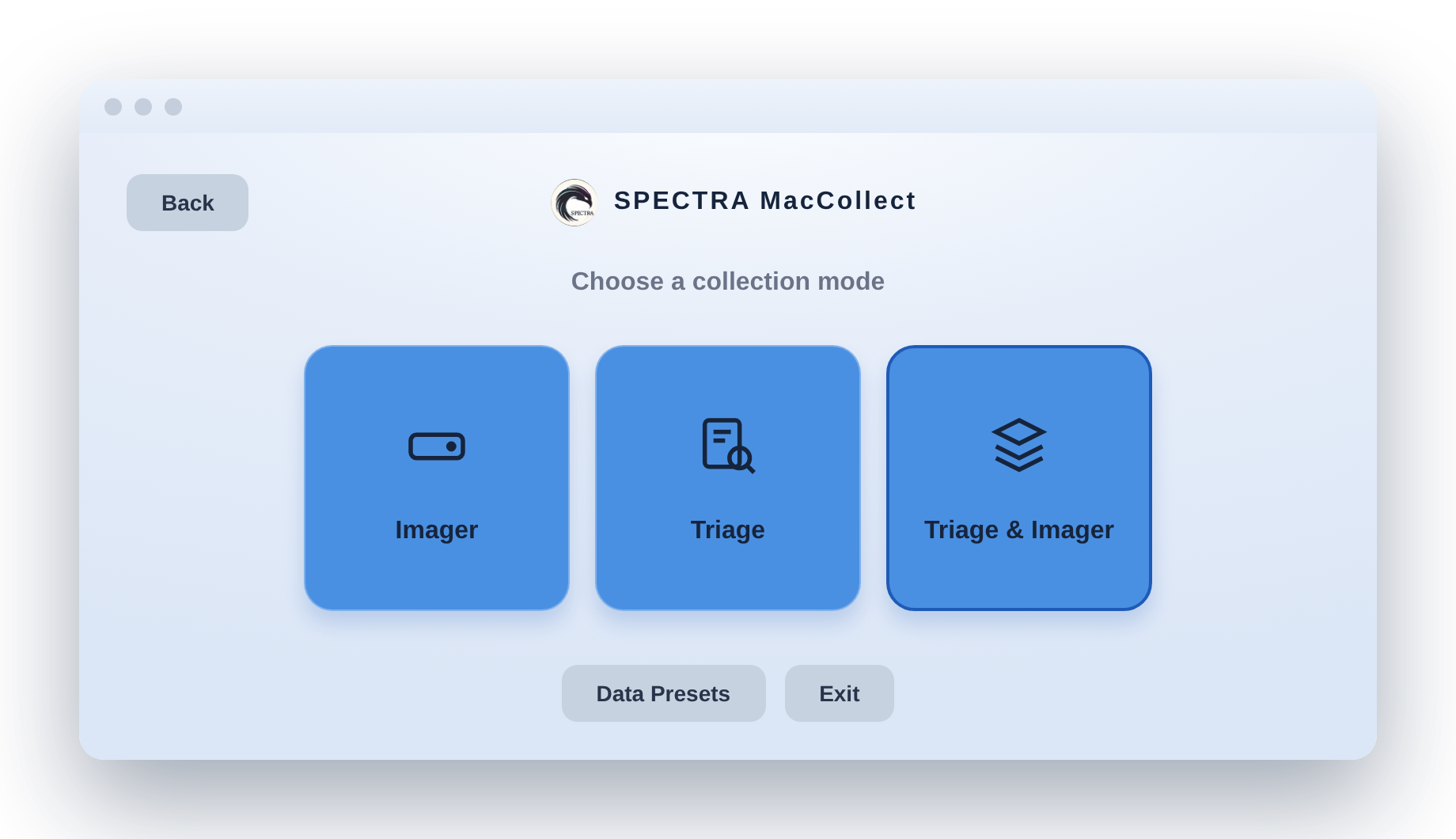
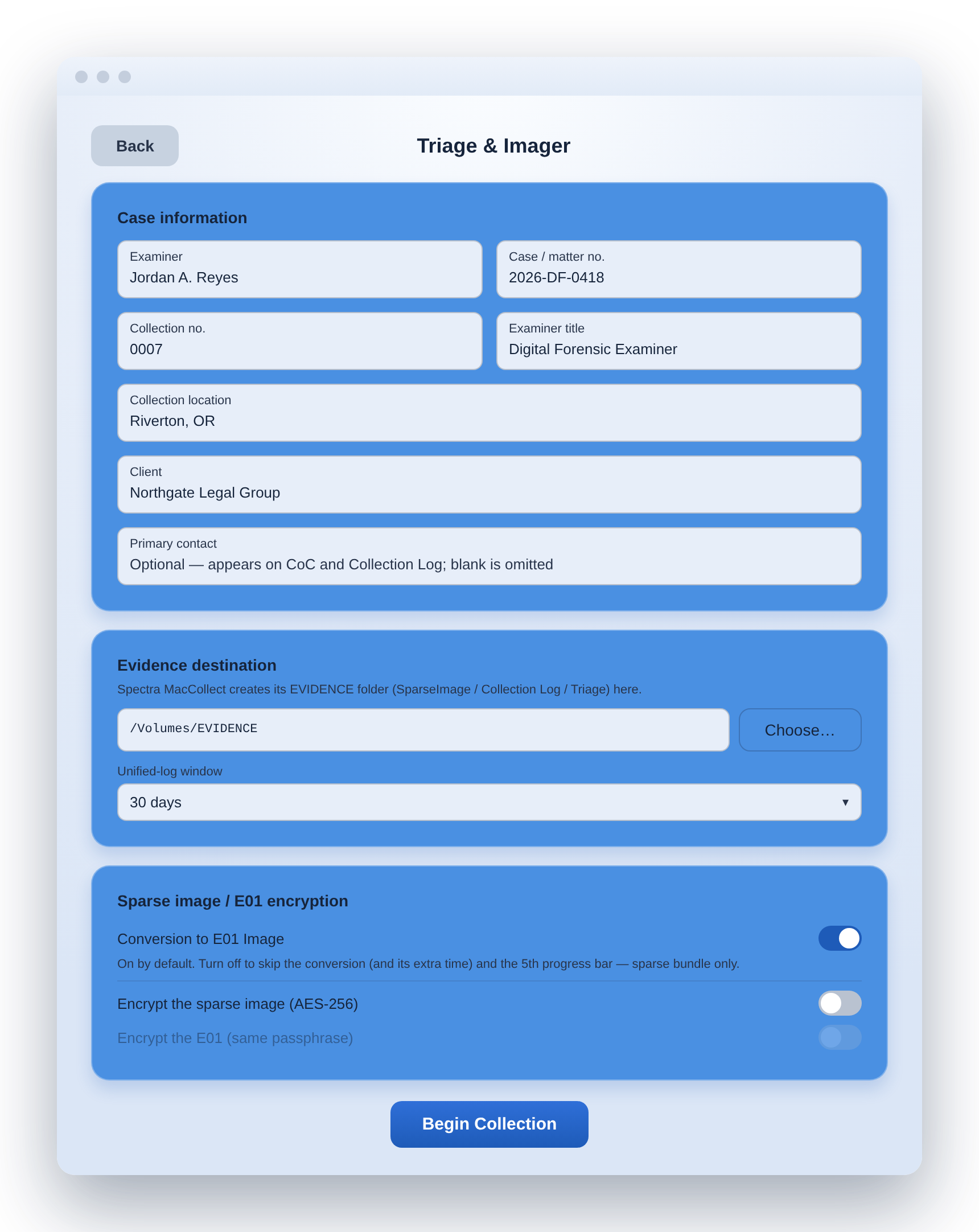
Choose a collection modeCase setup & options
Platform & requirements
Runs on the Macs you encounter
Spectra MacCollect runs on macOS and has been exercised on real machines across multiple major releases, on both Apple Silicon and Intel. It requires administrator access and Full Disk Access on the collecting account, and an external destination drive with sufficient capacity. Output is written to your external media as an organized, sealed evidence set.
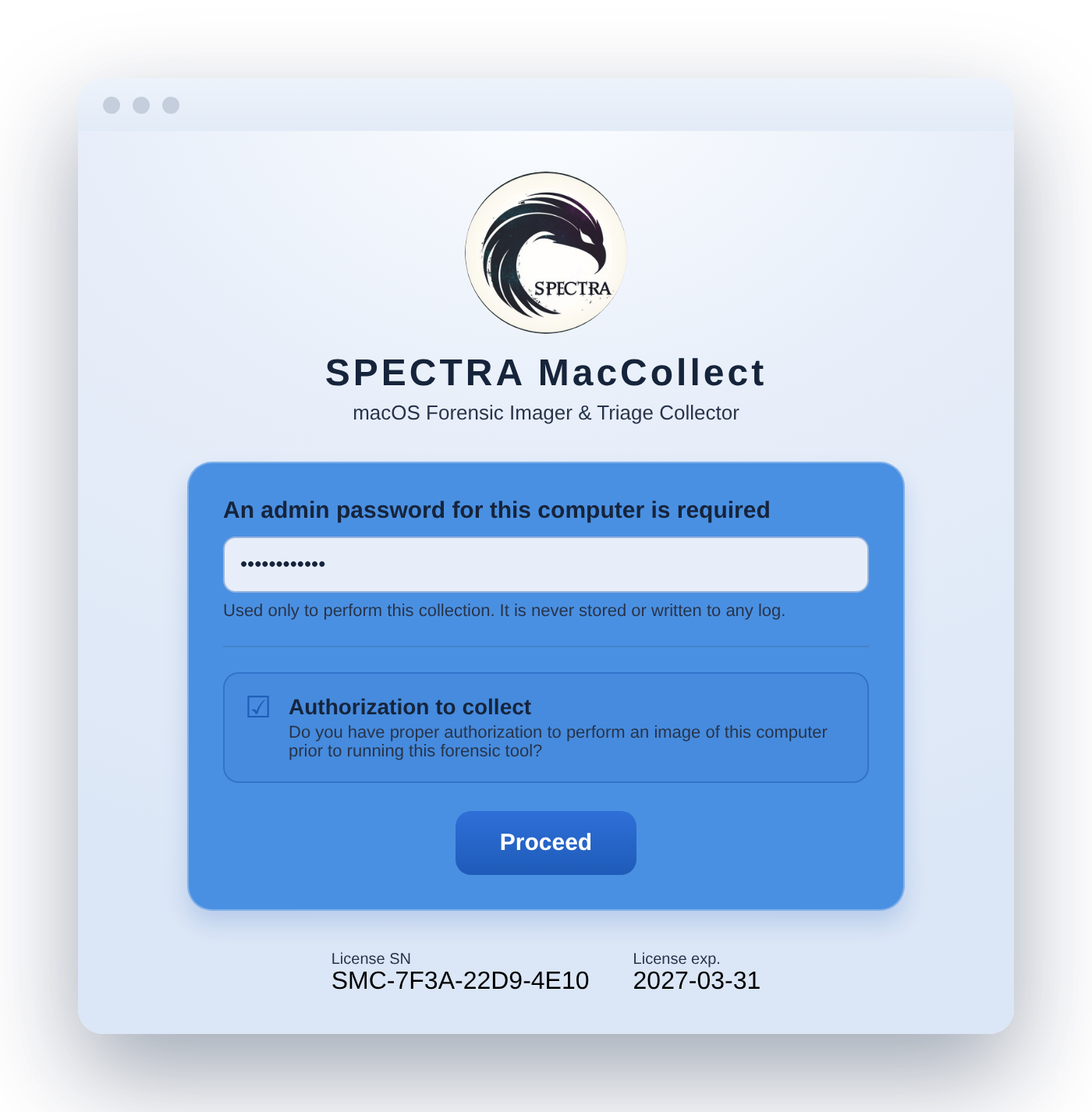
License & authorization gate
On the horizon — in development, not yet shipping
An optional acquisition engine that records hard-link relationships in a way that is independently reproducible from the image.
An exception report enumerating, as a sealed artifact, every in-scope file the tool attempted to read but could not capture, with the reason for each.
Expanded triage of communications artifacts (Messages and Mail), with an optional date range that narrows the report while always preserving the complete raw data.
A graphical application front-end for examiners who prefer a guided interface over the command line.
Put a defensible collection on the record
Annual license, configured drives, and bring-your-own-drive support.